Your duplicate file finder download is on the way
Your duplicate file finder toolchain is on its way from the official Windows release door. The next hour covers finishing winget or the portable exe, confirming Krokiet opens, running a short scan once, skipping random setup ads, and updating through the same door you used to install.
By Duplicate file finder editorial team Current release Krokiet 12.0.1, published July 29, 2026
Download Krokiet 12.0.1
Pick your system and the download starts.
winget install -e --id qarmin.krokietOr take windows_krokiet_on_windows_skia_opengl.exe from GitHub Releases.
Two asks while the installer lands
If the project helped you, star qarmin/czkawka on GitHub so other people find the real source repo.
Follow new builds via the releases feed when the template publishes one, and re-check GitHub Releases for Windows exe names.
The first hour with a duplicate file finder
Work the eight steps in order so you do not redo settings later. Finish the install before you chase themes. Confirm the window opens before you blame the download. Scan one trusted short folder before a huge archive. Updates use the same winget id or official exe you already trust. Longer install context: install on Windows, winget, and for this computer.
What success looks like
You are done with the first hour when Krokiet opens, a sample folder scan returns groups you understand, and you have not deleted anything you did not confirm. Deepen with guides when you compare Auslogics or learn photo mode.
If you arrived from a commercial brand search, read the comparison after the test scan works. Licensing and file location differ; invented price tables do not help. Compare: vs Auslogics, guide vs Auslogics.
Common first-hour mistakes
Stacking winget and a second portable exe into two folders wastes time when you later wonder which Start menu entry opened. Prefer one install location. Scanning Program Files or Windows system roots on day one makes review noisy.
Fetching a single-purpose helper from a search ad is the same class of mistake as fetching the setup from unofficial wrappers. The official skia_opengl exe is the desktop GUI for cleanup work. Releases list: releases. GitHub layout: GitHub.
Borrowing a locked-down lab PC can block winget and unknown executables. Stop rather than forcing a helper installer. Use a machine you control when you need a clean path.
Folders and backups
Keep working files in Documents or another folder you already back up. Avoid leaving the only copy of a client folder on a borrowed Desktop. When you delete duplicates, keep your own keepers so a later restore does not start from a missing attachment.
After the hour
Next useful reads: find and delete, find duplicate photos, Windows setup, vs Auslogics, and the guides index. Official docs in the qarmin/czkawka README cover deeper topics than this install page.
Internal links: home, releases, GitHub, download safe, exe or winget, how to install winget, Windows setup, delete duplicate files, duplicate photo finder.
Keeping a duplicate file finder install calm
A calm duplicate file finder install on Windows starts with one door: winget id qarmin.krokiet or the current windows_krokiet_on_windows_skia_opengl.exe from GitHub Releases. Finish that door before you open a second mirror. When Krokiet appears, pick a short folder you already trust and run one scan so the duplicate file finder path is proven on the machine you control.
Prefer the same door for the next update. Catalog lag can trail a fresh upload on qarmin/czkawka, so public copy says the current release rather than a dotted pin. Related routes stay on releases, GitHub overview, download-safe, vs Auslogics, delete, photo, and the Windows install walkthrough for this duplicate file finder cluster.
Local folders for a duplicate file finder job
After install, a duplicate file finder job keeps matches on disk. Open Krokiet, include Downloads or a camera export, and review groups before delete. Move or delete only what you confirm for a finished duplicate file finder handoff.
Skip random upload tabs when libraries are sensitive. Official GitHub Releases and winget remain the fetch doors. qarmin/czkawka is the source mirror and the Windows exe host for this duplicate file finder path.
When SmartScreen interrupts a duplicate file finder setup
SmartScreen may warn on a freshly downloaded portable exe. Prefer GitHub Releases or winget so the duplicate file finder file matches upstream. Stop if a blog asks you to disable protections for an unknown publisher before the official package arrives.
If launch fails after a clean install, confirm Start shows Krokiet, reopen once, and avoid stacking a second renamed installer. First-hour notes and safety guides deepen that duplicate file finder checklist.
- Finish the Windows install. Finish the Windows install. If you used winget, wait until winget install -e --id qarmin.krokiet exits cleanly. Winget pulls the current catalog Windows skia_opengl exe from microsoft/winget-pkgs and may install Microsoft.VCRedist.2015+.x64 as a dependency. If you took windows_krokiet_on_windows_skia_opengl.exe by hand from GitHub Releases, run it and complete the portable path. Do not run a renamed setup from a search ad while you wait.
- Launch Krokiet once. Launch Krokiet once. Open it from Start or the install folder. Pass SmartScreen only when the file came from GitHub Releases or winget. Confirm the window opens. First run: first run .
- Pick a short sample folder. Pick a short sample folder. Prefer a folder you already trust. Opening notes: find and delete .
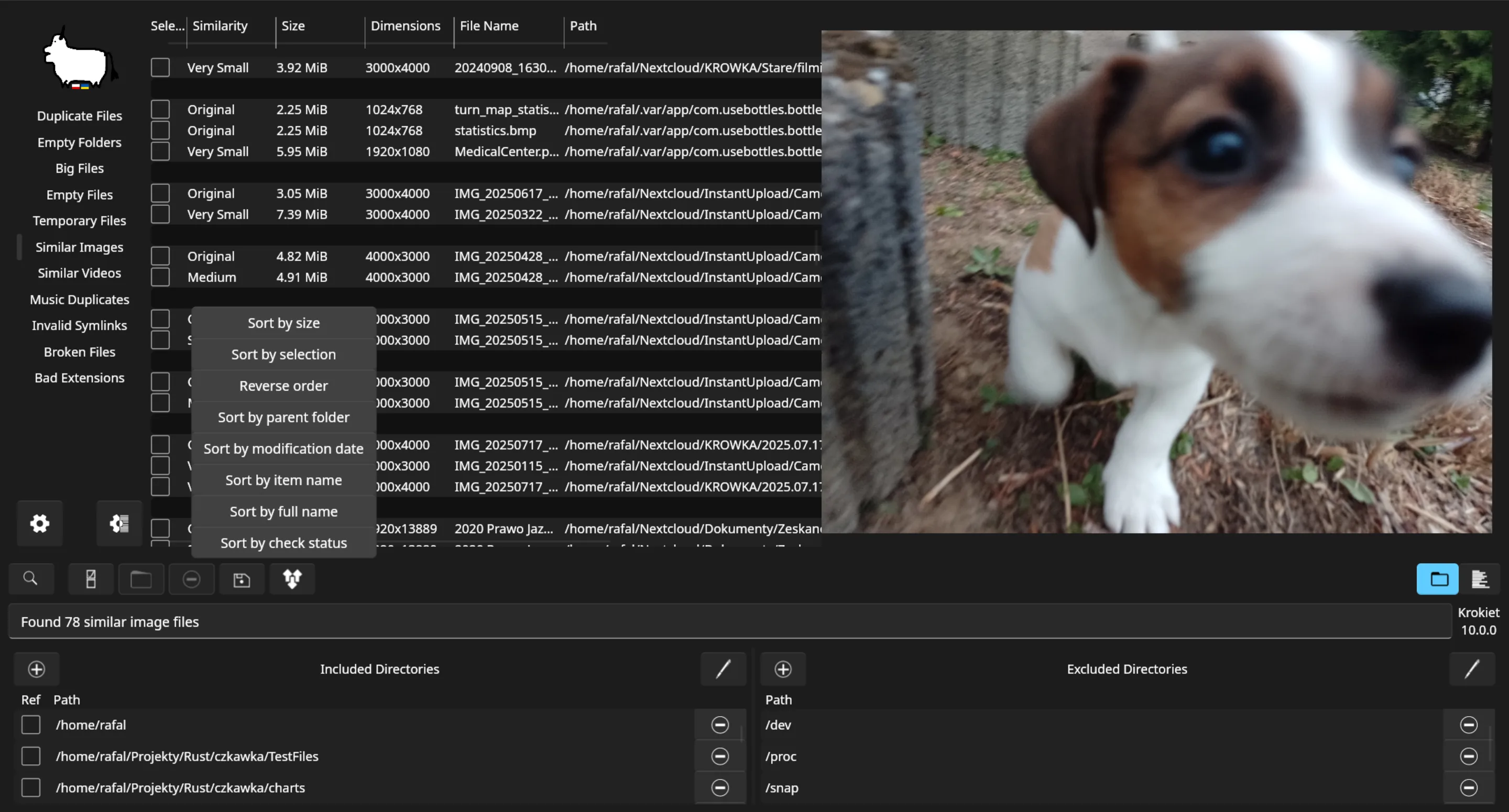
- Run one duplicate scan and review groups. Run one duplicate scan and review groups. Make a small check you can see. Prefer a folder you already expect to tidy.
- Confirm reopen. Confirm reopen. Close the app, then reopen it and repeat a tiny scan so the path still works. Photo mode: find duplicate photos .
- Peek at similar images only if needed. Peek at similar images only if needed. Open similar-image tools only if that is why you installed. Skip deep customization in the first hour.
- Skip random mirrors. Skip random mirrors. If something fails, re-fetch from GitHub Releases or winget. Softonic-style wrappers and blog accelerators are the wrong door. Safety: is it safe . Download-safe: download safe .
- Plan the update door. Plan the update door. If winget installed the package, upgrade with winget using id qarmin.krokiet. If you used the portable exe, take the newer windows_krokiet_on_windows_skia_opengl.exe from the same official door. Do not mix three mirrors. Uninstall uses winget remove for the same id or removal of the portable install folder. Update notes: update and uninstall .
Longer install notes: Windows install.
Frequently asked questions
Where is Krokiet after install?
Open Start and launch Krokiet. If missing, confirm the setup finished and prefer winget id qarmin.krokiet or windows_krokiet_on_windows_skia_opengl.exe from GitHub Releases. Prefer winget id qarmin.krokiet or the current windows_krokiet_on_windows_skia_opengl.exe from GitHub Releases. Confirm App Installer when winget is missing, then retry the same command on Windows. Skip Softonic-style wrappers that rename the setup before the official file arrives.
Can I scan without uploading?
Yes. This duplicate file finder path keeps results on your machine after a normal Windows install. Prefer winget id qarmin.krokiet or the current windows_krokiet_on_windows_skia_opengl.exe from GitHub Releases. Confirm App Installer when winget is missing, then retry the same command on Windows. Skip Softonic-style wrappers that rename the setup before the official file arrives.
What winget id should I use?
qarmin.krokiet. Manual default is windows_krokiet_on_windows_skia_opengl.exe from GitHub Releases. Prefer winget id qarmin.krokiet or the current windows_krokiet_on_windows_skia_opengl.exe from GitHub Releases. Confirm App Installer when winget is missing, then retry the same command on Windows. Skip Softonic-style wrappers that rename the setup before the official file arrives.